Terminal
80-column ANSI / VT100
A graphics-based 80×24 terminal with ANSI color, terminal control handling, and custom CP437 rendering for line-drawing, block, shading, and other BBS characters.
80 × 24ANSIVT100CP437
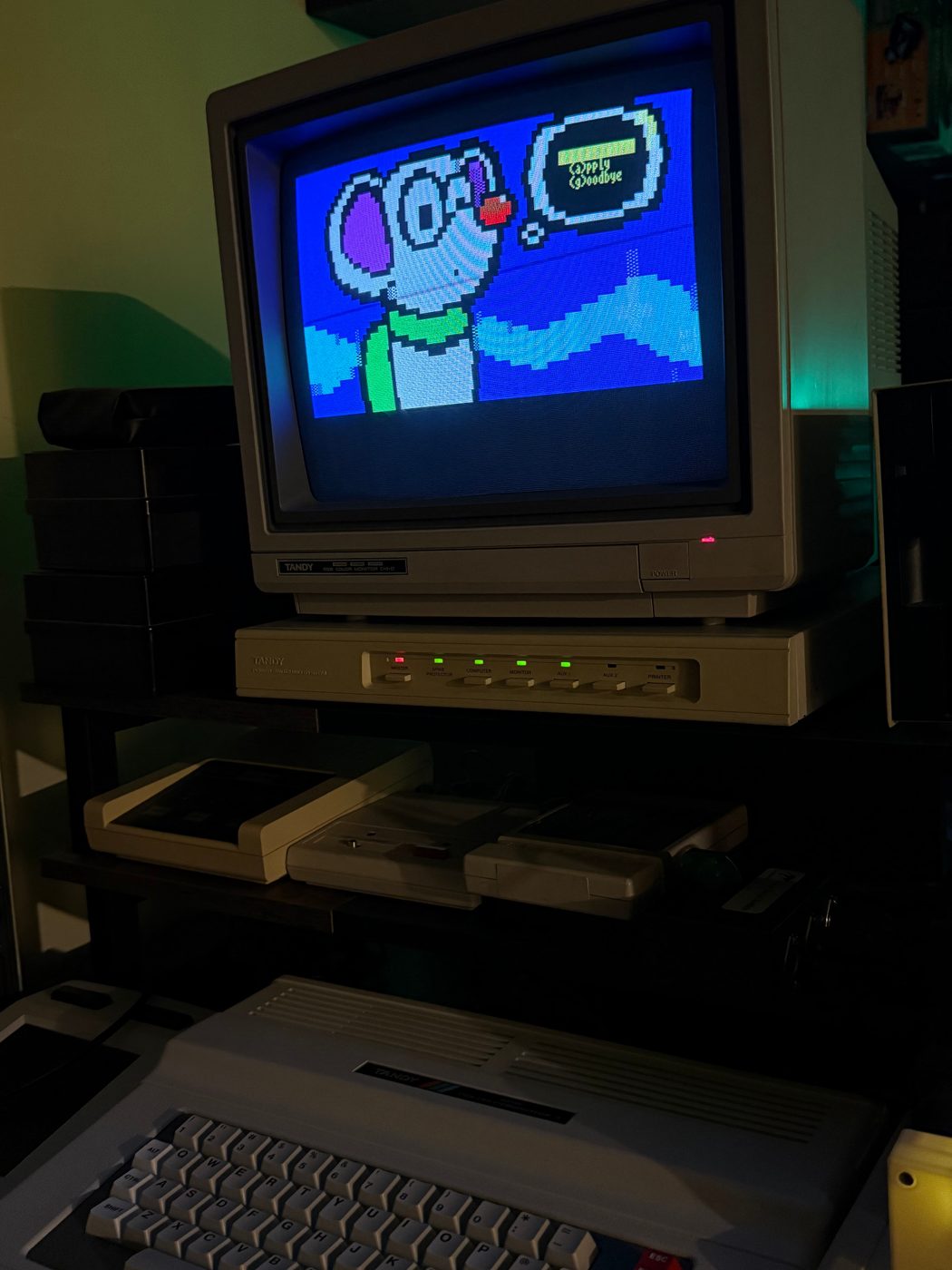

Tandy CoCo 3 · FujiNet · ANSI/VT100
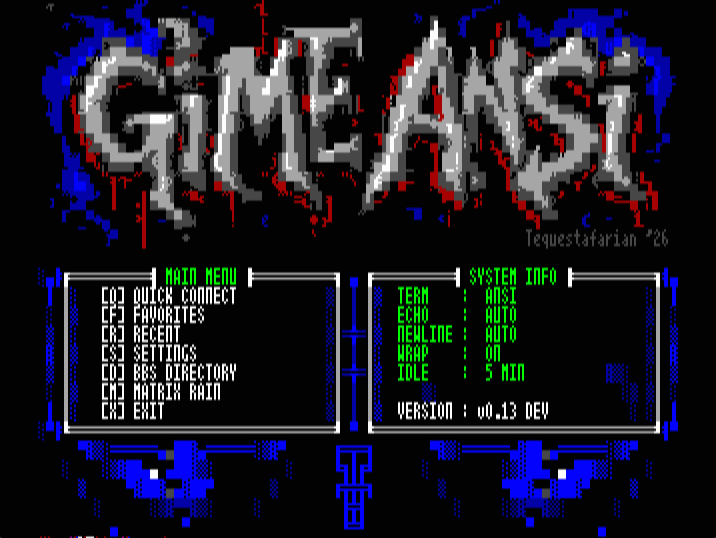
GiME ANSi! is an 80-column ANSI/VT100 terminal for a 512K Tandy Color Computer 3 using FujiNet. It includes CP437 rendering, a hosted directory of more than 1,000 Telnet BBSes, Quick Connect, Favorites, Recent Connections, terminal settings, and Matrix Digital Rain.
How it works
GiME ANSi! runs on the CoCo 3 and provides the 80×24 display, ANSI/VT100 parser, CP437 renderer, keyboard controls, saved systems, BBS Directory, and connection workflow. FujiNet provides Wi-Fi and TCP/Telnet access.
A normal BBS session follows these four parts.
The terminal and BBS functions run on the CoCo itself rather than using a separate PC terminal.
Current feature set
The current build combines the ANSI terminal, FujiNet networking, BBS Directory, saved systems, session controls, and the built-in Matrix screensaver.
A graphics-based 80×24 terminal with ANSI color, terminal control handling, and custom CP437 rendering for line-drawing, block, shading, and other BBS characters.
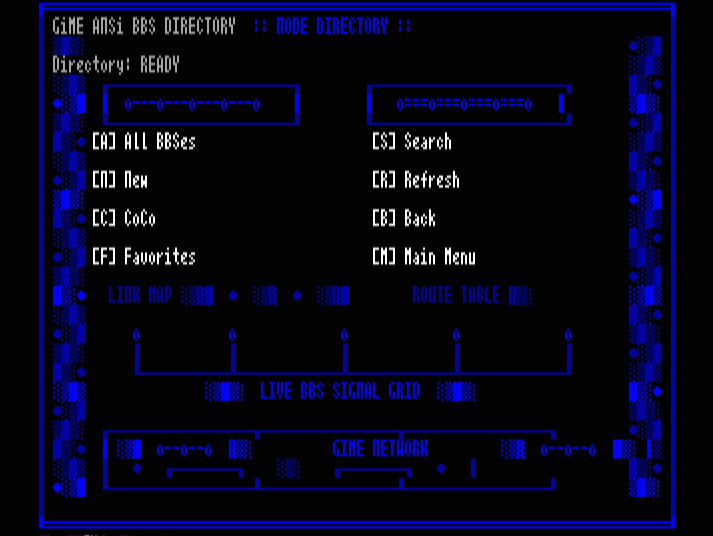
Browse a hosted list of Telnet systems directly from GiME ANSi! The directory includes All, New, CoCo, Favorites, Search, and Refresh views.
Enter a hostname and port directly when you already know the BBS address.
Store up to 18 Favorites and keep a separate list of the 18 most recent connections.
Start it from the menu or use it as the configurable idle screensaver.
Save the current BBS, toggle local echo, disconnect, send ESC, and access other terminal functions during a session.
v0.13 adds lazy-loaded artwork and a dedicated loading screen to reduce startup time.
Shows the current terminal mode, local echo, newline, wrap, and idle-saver settings from the main menu.
The interface uses CP437 artwork and styling inspired by ACiD and the BBS ANSI art scene.
Screenshots
Select a tab to view the main menu, BBS Directory, Favorites, Recent Connections, or Matrix Digital Rain.
The main menu provides access to Quick Connect, Favorites, Recent Connections, Settings, the BBS Directory, Matrix Rain, and the System Profile.
Hardware testing
XRoar is used during development, but builds are also tested on a physical CoCo 3 with FujiNet and a CM-8 RGB monitor.
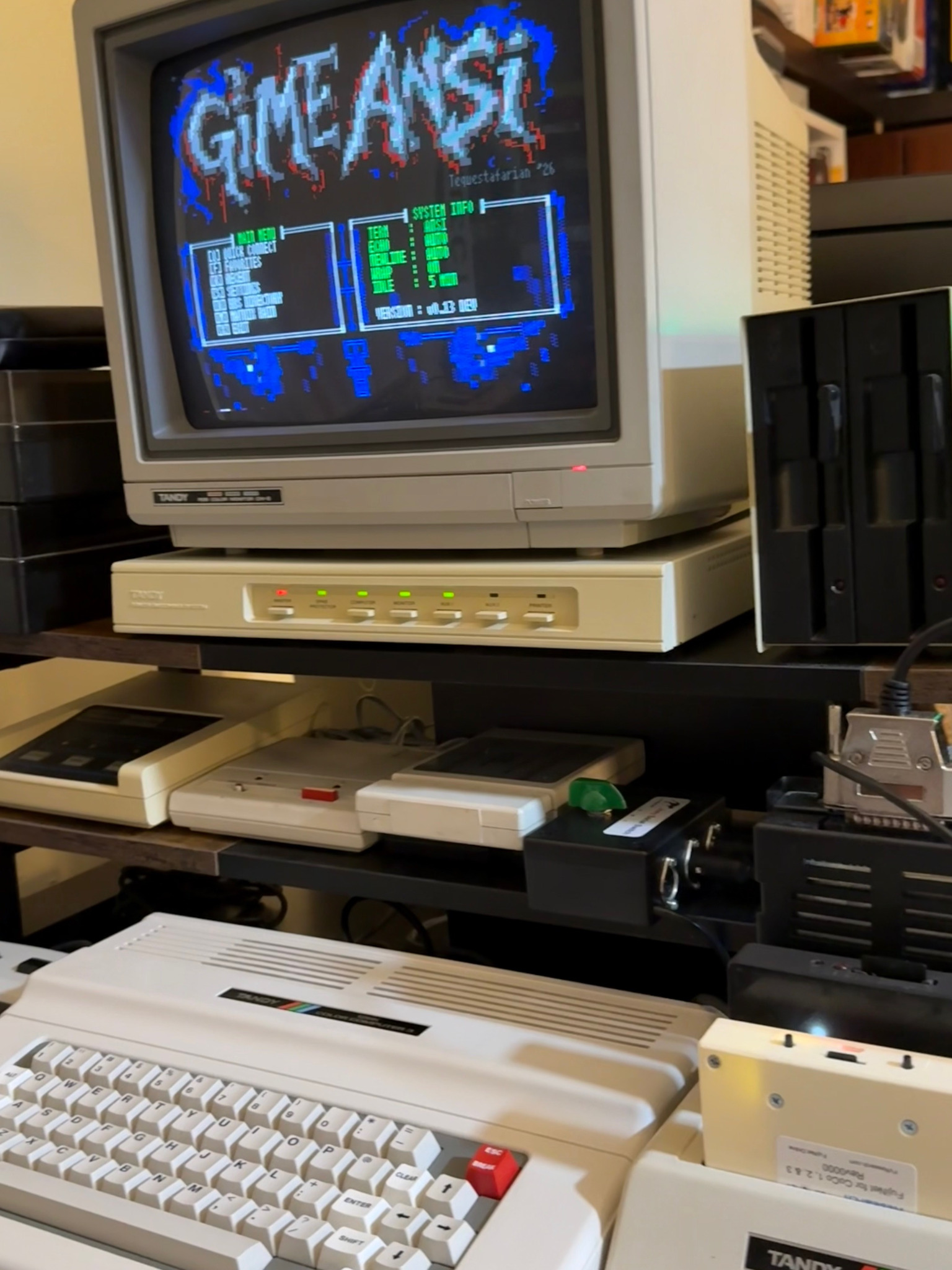
Real-hardware testing
Real-hardware testing covers menu readability, ANSI/CP437 rendering, FujiNet connections, saved state, and general terminal behavior on the physical machine.
Compatibility
The current development build requires a 512K CoCo 3. FujiNet is required for the BBS Directory and network connections.
RetroModem Bridge is not required for normal FujiNet BBS connections. GiME ANSi! can connect directly to Telnet systems through FujiNet. RMB can also be used for its additional vintage-networking and local door-game functions.
Current development build
Changes in v0.13 include faster startup, lazy-loaded artwork, optimized BBS Directory loading, 18 listings per screen, multi-digit selection, 18 Favorites, 18 Recent Connections, and the System Profile.
v0.12 is the previous 512K ACiD ANSI baseline with the 80-column terminal, FujiNet networking, Quick Connect, Favorites, Recent Connections, hosted BBS Directory, CP437 interface artwork, configurable terminal settings, and Matrix Rain.
Download GIMEANSI_v12_512K.dsk ↓v0.8 is an older build from the stock-128K development line and does not contain the full feature set of the current 512K versions.
Download GiMEANSi-v08.dsk ↓Notes
No. FujiNet provides the network connection. GiME ANSi! provides the CoCo 3-side terminal display, ANSI/VT100 handling, BBS Directory, connection workflow, and session controls.
No. With FujiNet connected to Wi-Fi, GiME ANSi! can connect directly to Telnet BBS systems. RetroModem Bridge is optional.
Mount the GiME ANSi! DSK read/write in FujiNet. With write access enabled, the application can save Favorites and related state to the disk image.
Support the projects
If you enjoy the projects on Tequestafarian and want to help support them, you can use the PayPal button below.
Download
Current development build for a 512K Tandy Color Computer 3 with FujiNet.